
I thought it could be useful for someone to show how I configured Godot in my system.
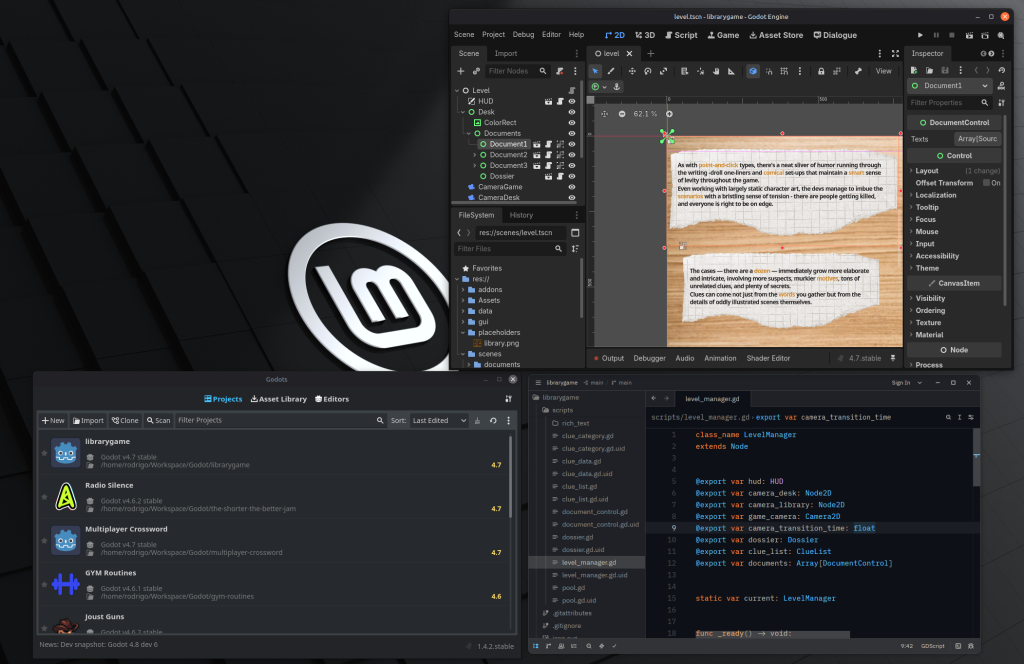
In summary, I’m working on Linux Mint, using Godots to manage Godot versions and projects and using Zed as a text editor. Now I’ll show how I configured it.
Godots
Coming from Unity, the golden rule is never change engine version during a project unless you really need it. Godot seems to be more stable but still you shouldn’t change versions mid project, so in order to handle multiple projects with different versions I use Godots.
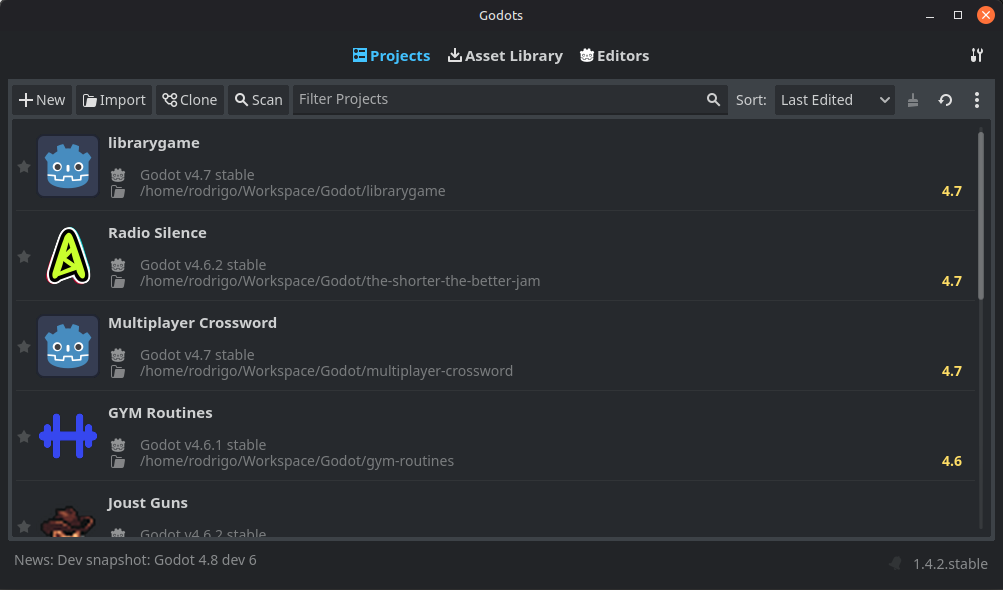
Godots is a manager that looks just like the Godot project list but it also manages Godot editor versions and associates a version to each project, making it really easy to work on different projects with different versions of Godot.
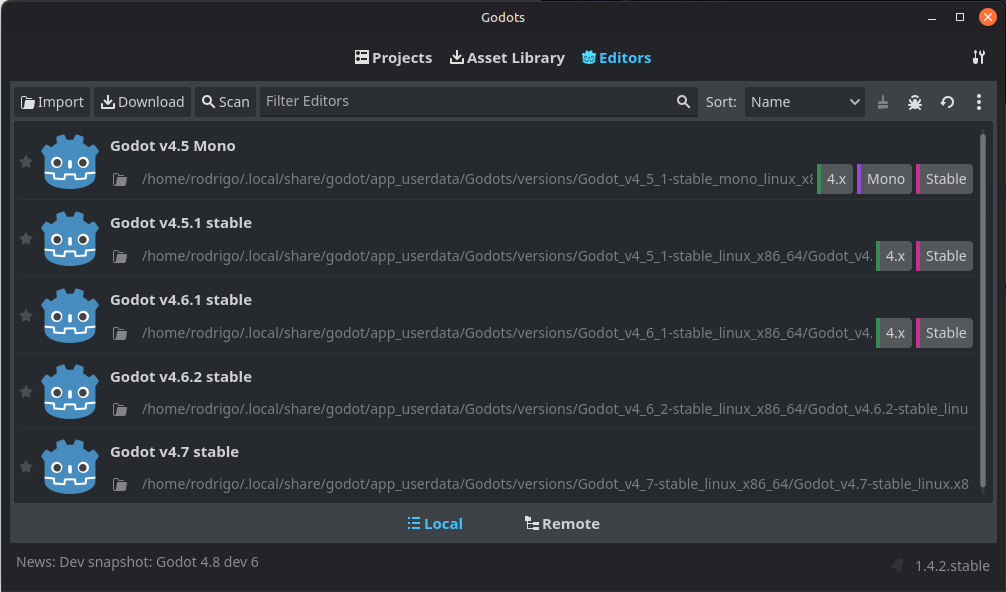
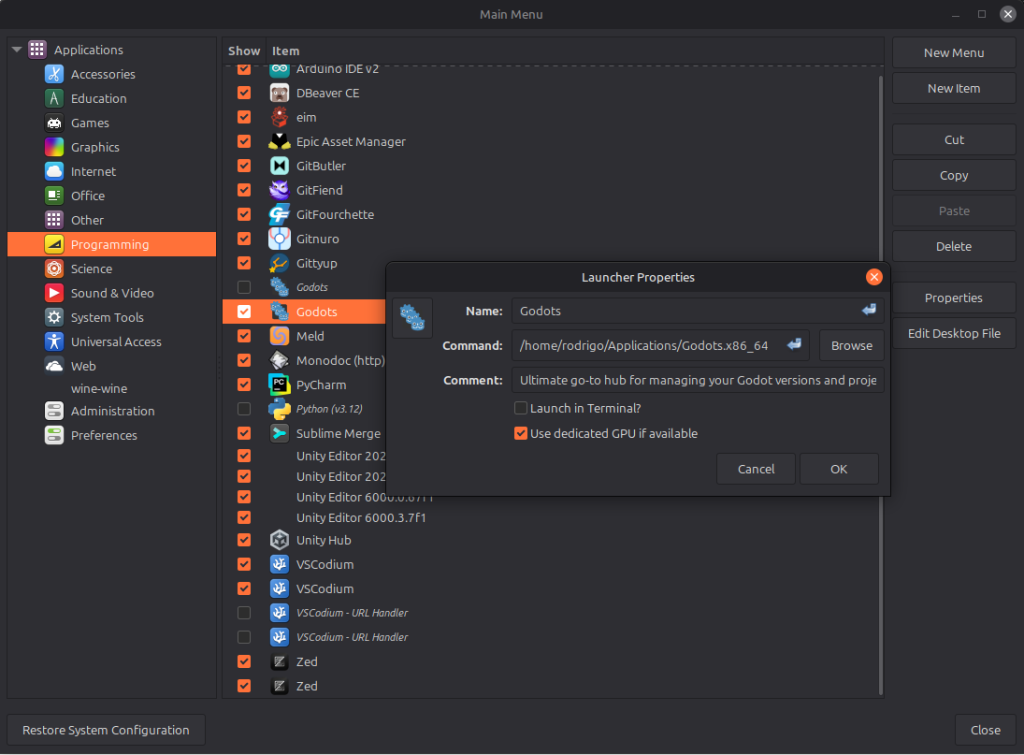
They offer a flatpak version but I had issues connecting it with other software, so I went with the native version and added the executable to the main menu in linux mint.
Zed
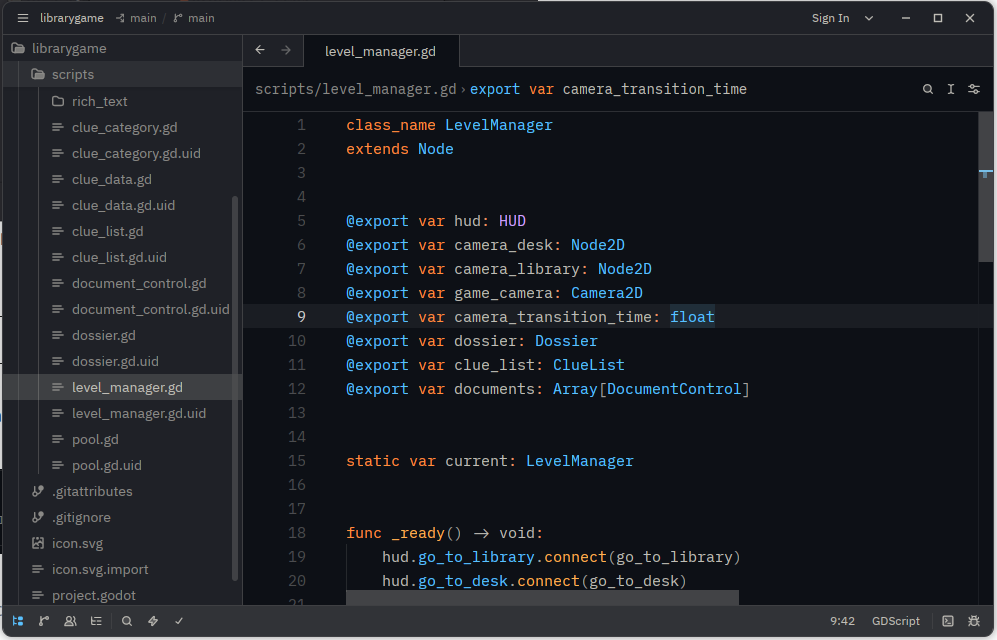
Zed is a text editor I’ve really come to like, it’s really fast, supports a lot of languages and even though it has AI features, there’s a single button to disable all of it.

They also offer a flatpak version but I opted to have everything native to avoid headaches. They have a single terminal command to install it on linux on their page.
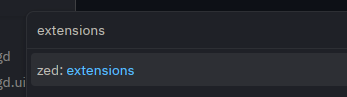
It’s really easy to configure it to use with Godot. Press F1 to open the command popup and write extensions.
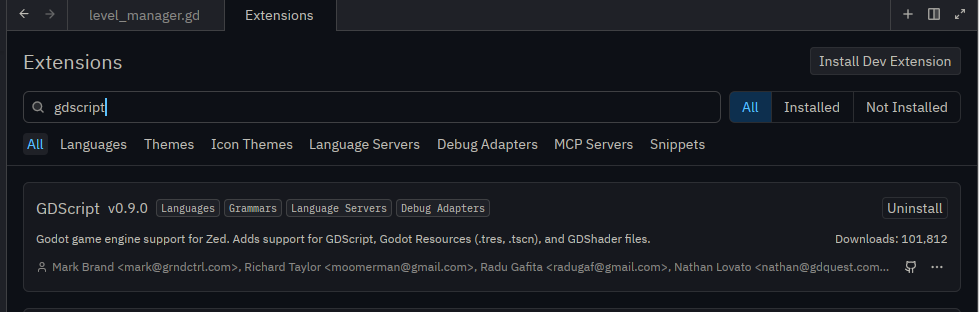
Look for gdscript and install the extension.
On Godot you need to configure it as an external text editor. Go to Editor > Editor Settings…, toggle Advanced Settings, go to Text Editor > External and configure it like this:
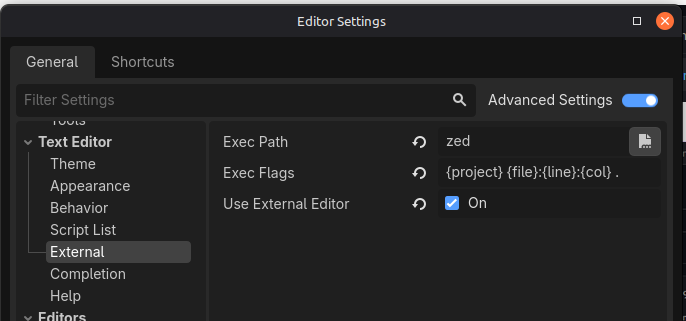
On Exec Path put zed, on Exec Flags put {project} {file}:{line}:{col} . and toggle Use External Editor.
Now it should just work, opening a script on Godot will automatically open it on Zed.
Code completion works fine with everything you would expect of an IDE except for one thing, after naming a class using class_name, Zed doesn’t seem to recognize it and will highlight an error wherever you reference it, in order to fix it you’ll have to restart Zed (which thankfully is really fast).
I hope this helps someone who is trying to do just this. When I set it up, I couldn’t find a guide to do specifically what I wanted so I had to dig around documentations, it’s not much but it’s nice to have it all in one place.
Leave a Reply